> ## Documentation Index
> Fetch the complete documentation index at: https://staging.docs.flowsign.app/llms.txt
> Use this file to discover all available pages before exploring further.
# Reports
> What FlowSign has recorded and sent, grouped into four reports.
**Reports** is a landing page linking to each report FlowSign offers:
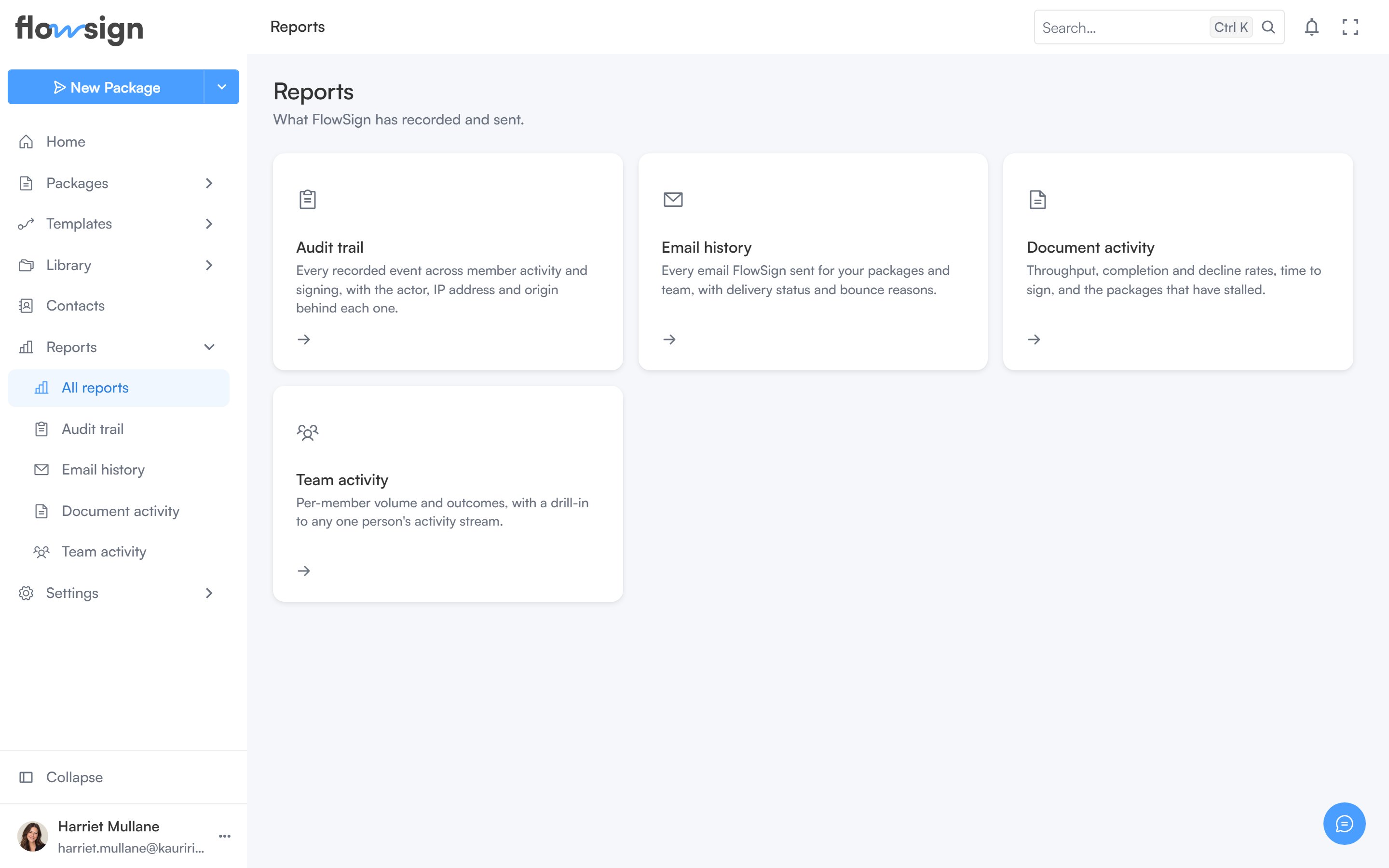 * **Audit trail**: every recorded event across member activity and signing, with the actor, IP address and origin behind each one. Requires the **view audit log** permission (`canViewAuditLog`); otherwise the card shows without a link.
* **Email history**: every email FlowSign sent for your packages and team, with delivery status and bounce reasons.
* **Document activity**: throughput, completion and decline rates, time to sign, and packages that have stalled.
* **Team activity**: per-member volume and outcomes, with a drill-in to any one person's activity stream. Requires the **view members** permission (`canViewMembers`).
If your role has none of the required permissions, the page shows **You don't have access to any reports** instead of the cards.
## Related
* [Audit trail](/guides/reports/audit-trail)
* [Email history](/guides/reports/email-history)
* [Document activity](/guides/reports/document-activity)
* [Team activity](/guides/reports/team-activity)
* **Audit trail**: every recorded event across member activity and signing, with the actor, IP address and origin behind each one. Requires the **view audit log** permission (`canViewAuditLog`); otherwise the card shows without a link.
* **Email history**: every email FlowSign sent for your packages and team, with delivery status and bounce reasons.
* **Document activity**: throughput, completion and decline rates, time to sign, and packages that have stalled.
* **Team activity**: per-member volume and outcomes, with a drill-in to any one person's activity stream. Requires the **view members** permission (`canViewMembers`).
If your role has none of the required permissions, the page shows **You don't have access to any reports** instead of the cards.
## Related
* [Audit trail](/guides/reports/audit-trail)
* [Email history](/guides/reports/email-history)
* [Document activity](/guides/reports/document-activity)
* [Team activity](/guides/reports/team-activity)