> ## Documentation Index
> Fetch the complete documentation index at: https://staging.docs.flowsign.app/llms.txt
> Use this file to discover all available pages before exploring further.
# Audit trail
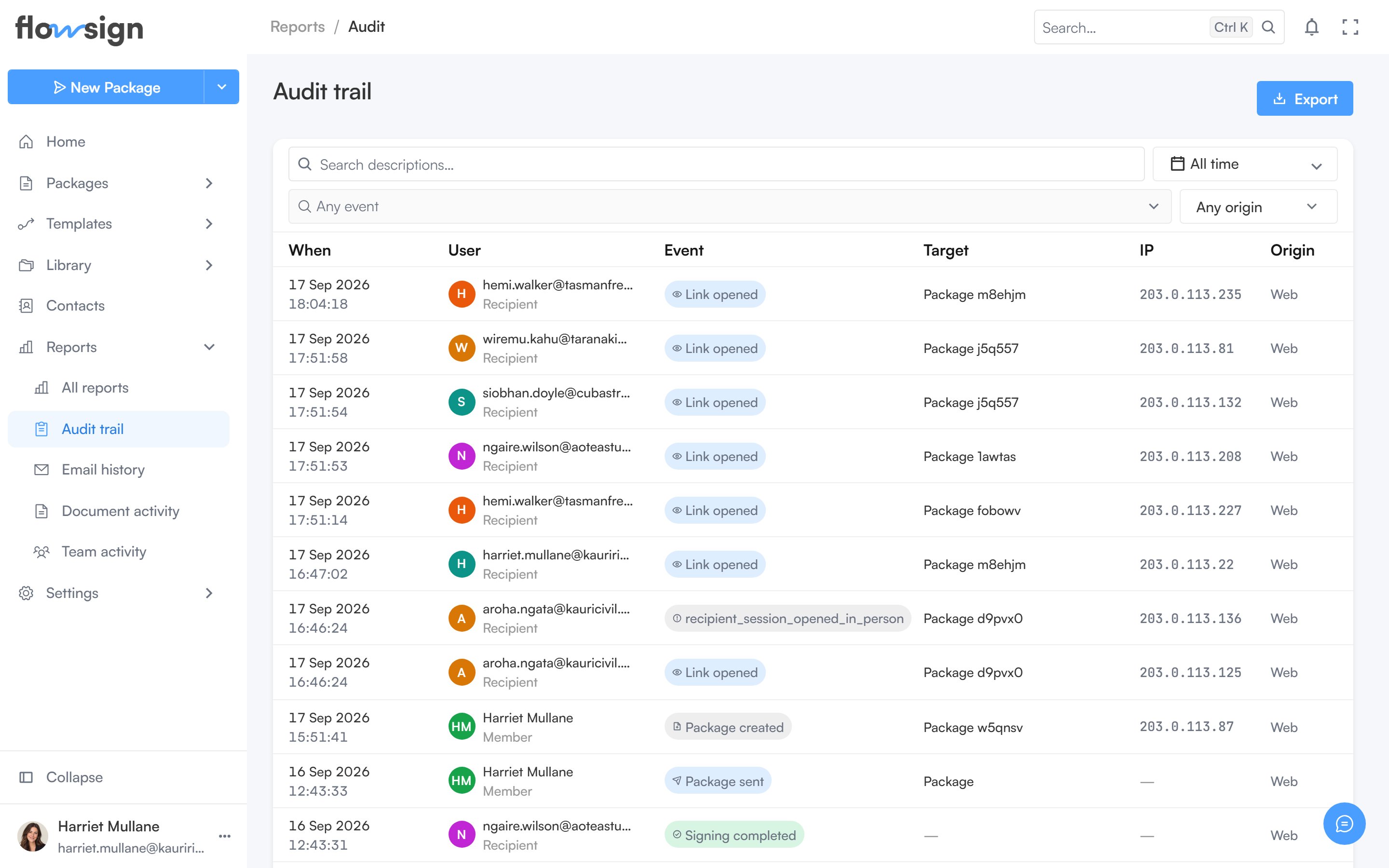
> Every recorded event across member activity and signing, with the actor, IP address and origin behind each one.
**Audit trail** requires the **view audit log** permission (`canViewAuditLog`). Without it, the page shows **You don't have access to the audit trail**.
 ## Toolbar
Filters narrow the events by date, actor and other facets; an export menu downloads the current filtered results.
## Table
Each row is one event. Clicking a row opens a detail panel with its full context. Pagination controls sit under the table.
## Empty states
* No filters, nothing recorded: **Nothing recorded yet**: "Events appear here as members work and recipients open, sign or decline documents."
* Filters active but nothing matches: **No events match these filters**: "Widen the date range, or clear a filter to see more."
## Related
* [Reports](/guides/reports/all-reports)
* [Team activity](/guides/reports/team-activity)
## Toolbar
Filters narrow the events by date, actor and other facets; an export menu downloads the current filtered results.
## Table
Each row is one event. Clicking a row opens a detail panel with its full context. Pagination controls sit under the table.
## Empty states
* No filters, nothing recorded: **Nothing recorded yet**: "Events appear here as members work and recipients open, sign or decline documents."
* Filters active but nothing matches: **No events match these filters**: "Widen the date range, or clear a filter to see more."
## Related
* [Reports](/guides/reports/all-reports)
* [Team activity](/guides/reports/team-activity)