> ## Documentation Index
> Fetch the complete documentation index at: https://staging.docs.flowsign.app/llms.txt
> Use this file to discover all available pages before exploring further.
# Company
> Your organisation's name, plan, member count and company ID, plus closing the account.
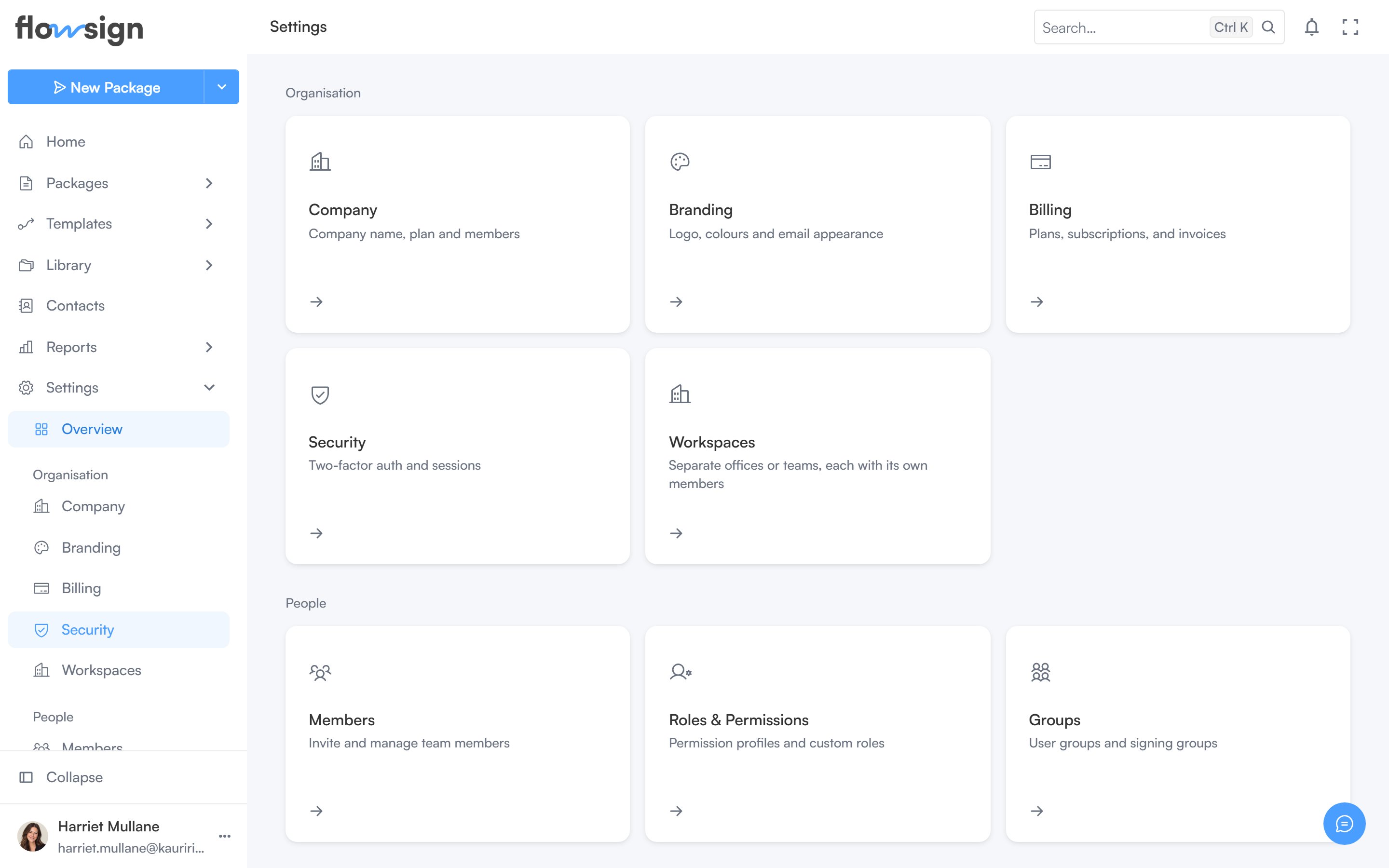
**Company** (Settings → Company) is your organisation's general settings.
 ## Company
Edit the organisation **Name**, shown across FlowSign and on every email your recipients receive. **Save changes** enables once you've made an edit.
Below it, a meta list shows:
* **Plan**, with a **Manage** link to [Billing](/guides/settings/billing).
* **Members**, with a **Manage** link to [Members](/guides/settings/members).
* **Created**, the account's creation date.
* **Company ID**, with a copy button.
## Close company account
A danger section explaining that closing the account revokes every member's access and stops packages in flight. Signed documents may need to be retained where a recipient still requires them, billing records are kept for tax and companies-law purposes, and the audit trail is anonymised rather than deleted. Closing is done through support, via **Contact support** or emailing [support@flowsign.app](mailto:support@flowsign.app) directly, not self-service.
## Related
* [Billing](/guides/settings/billing)
* [Members](/guides/settings/members)
* [Branding](/guides/settings/branding)
## Company
Edit the organisation **Name**, shown across FlowSign and on every email your recipients receive. **Save changes** enables once you've made an edit.
Below it, a meta list shows:
* **Plan**, with a **Manage** link to [Billing](/guides/settings/billing).
* **Members**, with a **Manage** link to [Members](/guides/settings/members).
* **Created**, the account's creation date.
* **Company ID**, with a copy button.
## Close company account
A danger section explaining that closing the account revokes every member's access and stops packages in flight. Signed documents may need to be retained where a recipient still requires them, billing records are kept for tax and companies-law purposes, and the audit trail is anonymised rather than deleted. Closing is done through support, via **Contact support** or emailing [support@flowsign.app](mailto:support@flowsign.app) directly, not self-service.
## Related
* [Billing](/guides/settings/billing)
* [Members](/guides/settings/members)
* [Branding](/guides/settings/branding)