> ## Documentation Index
> Fetch the complete documentation index at: https://staging.docs.flowsign.app/llms.txt
> Use this file to discover all available pages before exploring further.
# Groups
> User groups for organising members, and signing groups for routing a signature to any one member of a group.
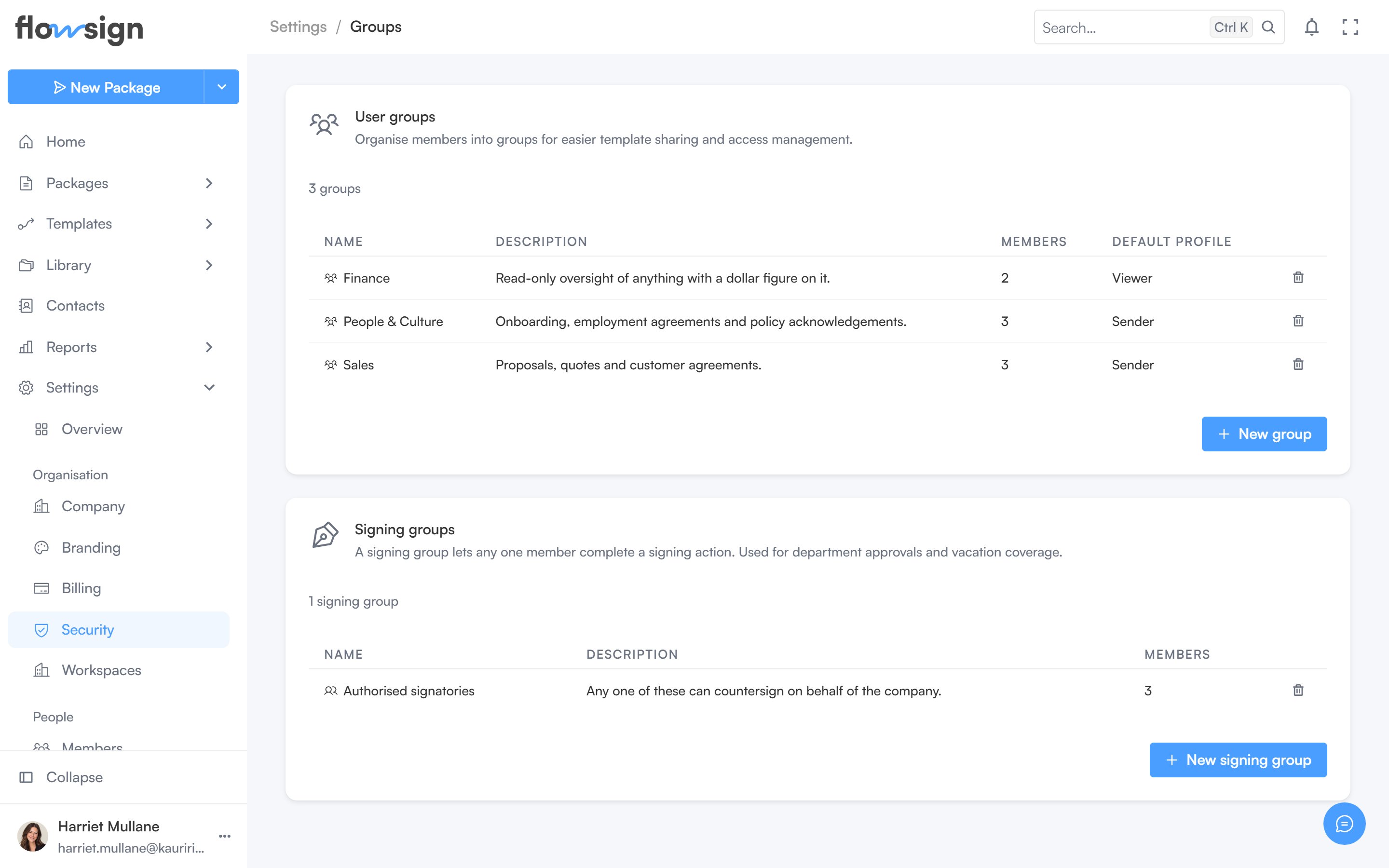
**Groups** covers two different kinds of group.
 ## User groups
Groups of members, used to organise your team (for permissions, filtering and similar). **Create group** starts a new one.
## Signing groups
A signing group is a set of members where any one of them can complete a recipient's step, instead of naming a specific person. **Create signing group** starts a new one.
Both kinds can be deleted from their own list.
## Related
* [Members](/guides/settings/members)
* [Roles & Permissions](/guides/settings/roles-and-permissions)
## User groups
Groups of members, used to organise your team (for permissions, filtering and similar). **Create group** starts a new one.
## Signing groups
A signing group is a set of members where any one of them can complete a recipient's step, instead of naming a specific person. **Create signing group** starts a new one.
Both kinds can be deleted from their own list.
## Related
* [Members](/guides/settings/members)
* [Roles & Permissions](/guides/settings/roles-and-permissions)