> ## Documentation Index
> Fetch the complete documentation index at: https://staging.docs.flowsign.app/llms.txt
> Use this file to discover all available pages before exploring further.
# Webhooks
> Send real-time events to your systems, and monitor delivery health.
**Webhooks** requires an organisation admin; without it the page shows **You don't have access to webhooks**.
 ## Stats
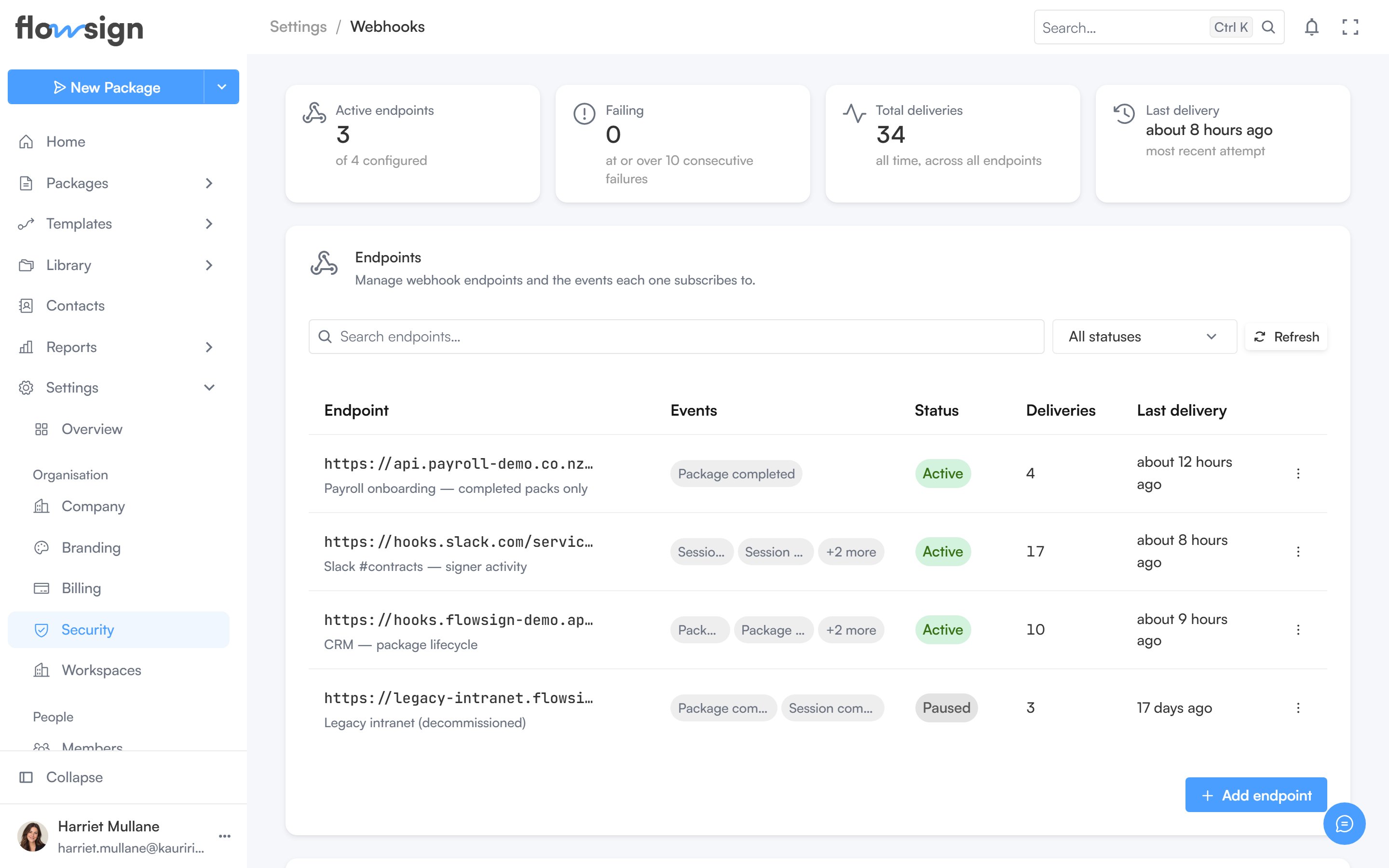
Four cards summarise your endpoints: **Active endpoints**, **Failing** (endpoints at or over the failure cutoff), **Total deliveries** (all time, across all endpoints) and **Last delivery**.
## Endpoints
**Add endpoint** creates a new webhook endpoint with a URL and the events it subscribes to (see [Events](/webhooks/events)). Search and a status filter (**All statuses**, **Active**, **Paused**, **Failing**) narrow the table. Per endpoint you can view its recent deliveries, edit it, pause or resume it, and delete it.
Resuming a failing endpoint resets its failure count and deliveries resume.
## Signing secrets
Every endpoint gets a signing secret when created, used to verify requests really came from FlowSign. It is shown once, at creation, and can't be retrieved again: an endpoint whose secret is lost or exposed has to be deleted and re-added rather than rotated.
## Related
* [Webhooks overview](/webhooks/overview)
* [Events](/webhooks/events)
* [API keys](/guides/settings/api-keys)
## Stats
Four cards summarise your endpoints: **Active endpoints**, **Failing** (endpoints at or over the failure cutoff), **Total deliveries** (all time, across all endpoints) and **Last delivery**.
## Endpoints
**Add endpoint** creates a new webhook endpoint with a URL and the events it subscribes to (see [Events](/webhooks/events)). Search and a status filter (**All statuses**, **Active**, **Paused**, **Failing**) narrow the table. Per endpoint you can view its recent deliveries, edit it, pause or resume it, and delete it.
Resuming a failing endpoint resets its failure count and deliveries resume.
## Signing secrets
Every endpoint gets a signing secret when created, used to verify requests really came from FlowSign. It is shown once, at creation, and can't be retrieved again: an endpoint whose secret is lost or exposed has to be deleted and re-added rather than rotated.
## Related
* [Webhooks overview](/webhooks/overview)
* [Events](/webhooks/events)
* [API keys](/guides/settings/api-keys)