Support is where to reach the FlowSign team directly from the app.
The in-app support request form

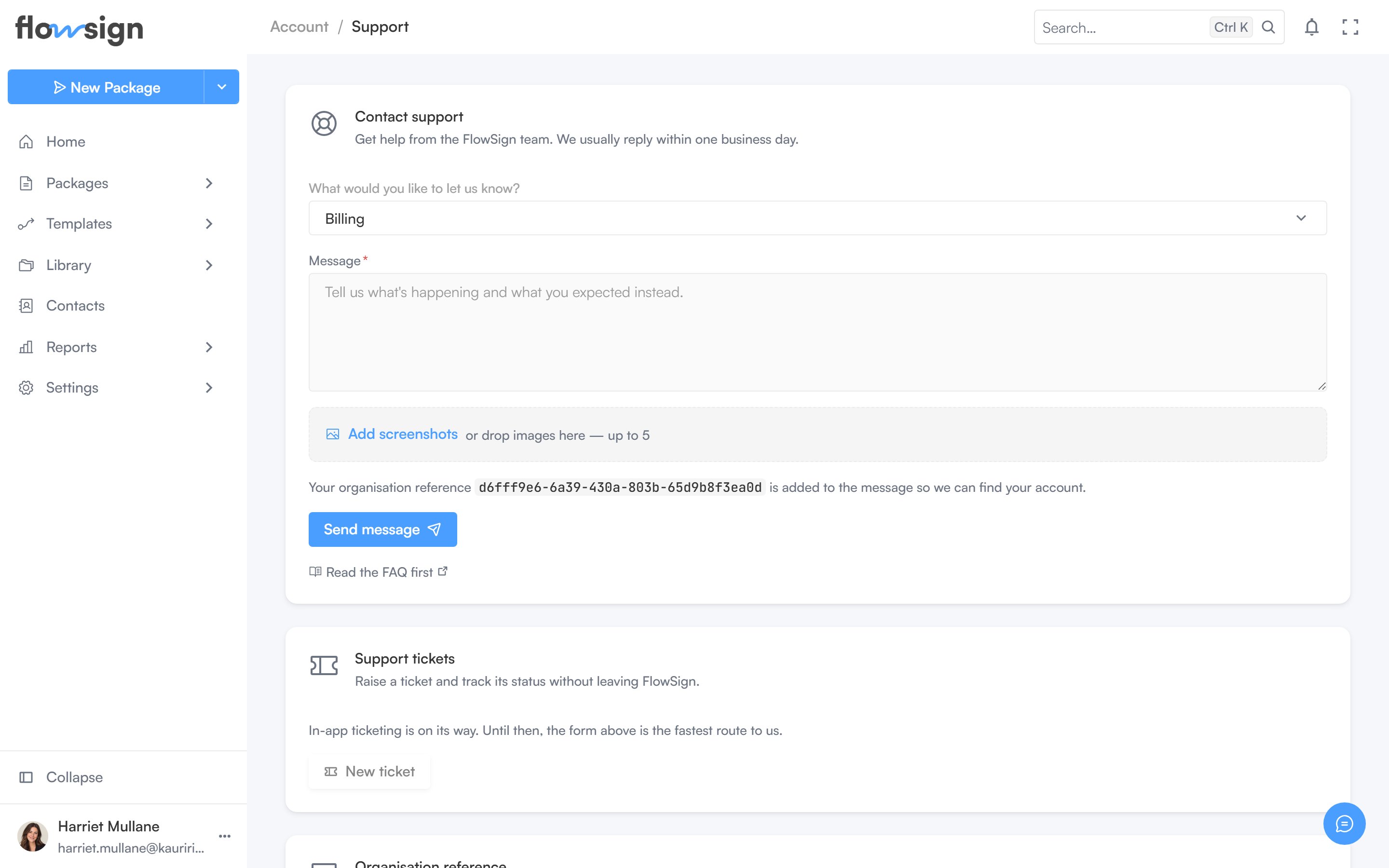
The support form, for reaching the FlowSign team from the app.

Contact support

(“Get help from the FlowSign team. We usually reply within one business day.”) Pick What would you like to let us know?, write a Message, and optionally attach files, then Send message. Your organisation reference is added automatically so the team can find your account. A Read the FAQ first link is offered alongside the form. After sending, a confirmation shows: “Thanks – we’ve got your message.”, with a Send another message option.


Support tickets

The New ticket button is disabled with a Coming soon tooltip. Use the contact form above to reach support.

Organisation reference

Your organisation’s reference code, with a copy button, to quote when contacting support through another channel.