

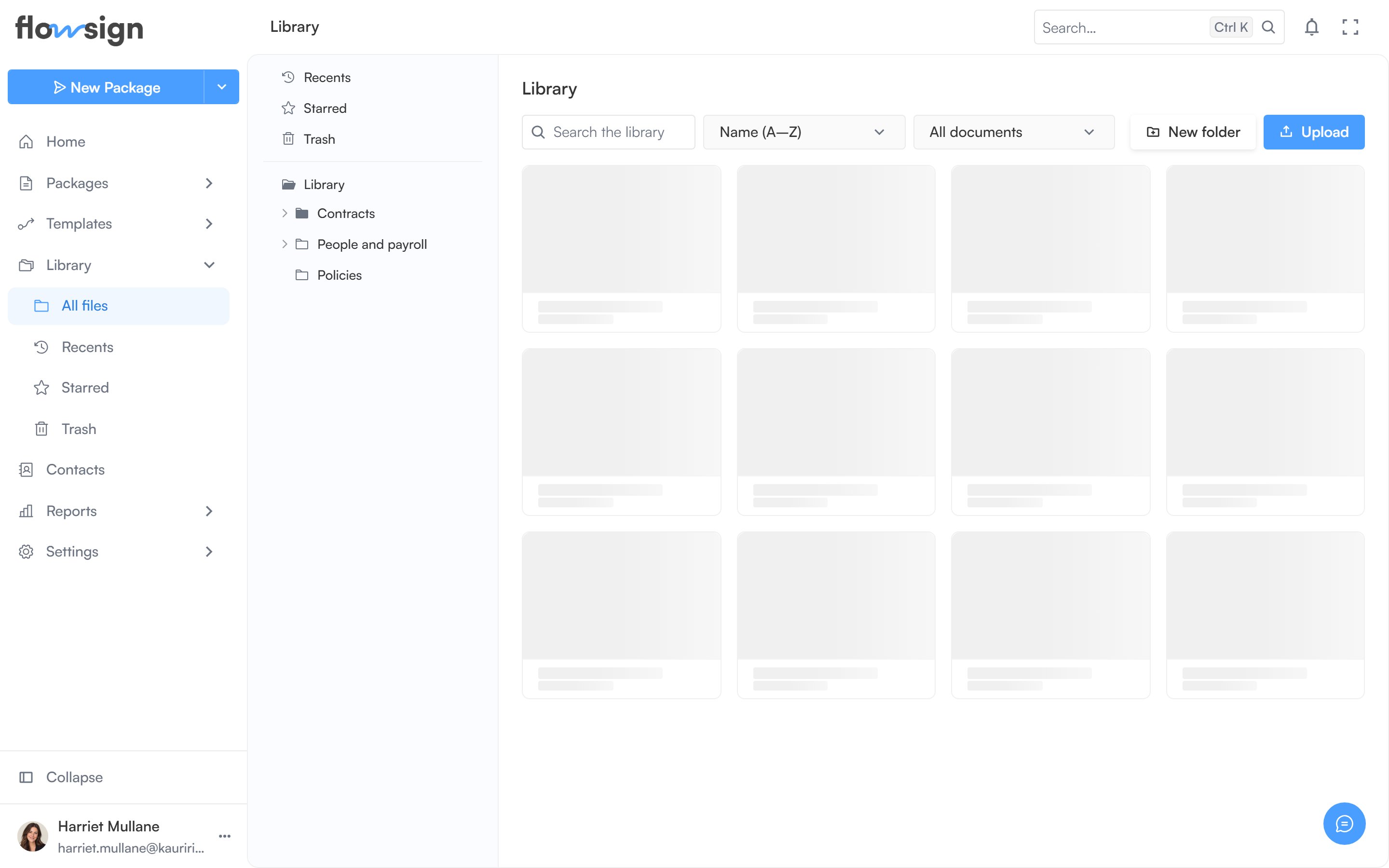
The library, with its folder tree and documents.
Layout
A folder tree sits on the left. The main panel shows breadcrumbs for the current folder, its contents as a grid of folder and document cards, and a toolbar.Toolbar
Search, a sort control, a file-kind filter, New folder, and Upload (drag files onto the page also works). Upload and new folder require thecanManageLibrary permission and are only available inside a folder, not in Recents, Starred, Trash or search results.
Working with items
Drag a card onto another folder (or onto Trash in the tree) to move or trash it. Per item: open, rename, star/unstar, move to trash, restore (in Trash) or delete forever (in Trash).- Moving to trash: “You can restore it from Trash any time.” For a folder: “Everything inside goes with it.” Trashed items stay there until you restore them or delete them forever; nothing is removed automatically.
- Deleting forever: “This can’t be undone. The file is removed from storage.”
Empty states
- Empty folder: This folder is empty: “Drag files in, or use the Upload button above” (or, without manage permission, “Nothing has been filed here yet.”).
- No search matches: Nothing matches ”…”.