

canViewAuditLog). Without it, the page shows You don’t have access to the audit trail.
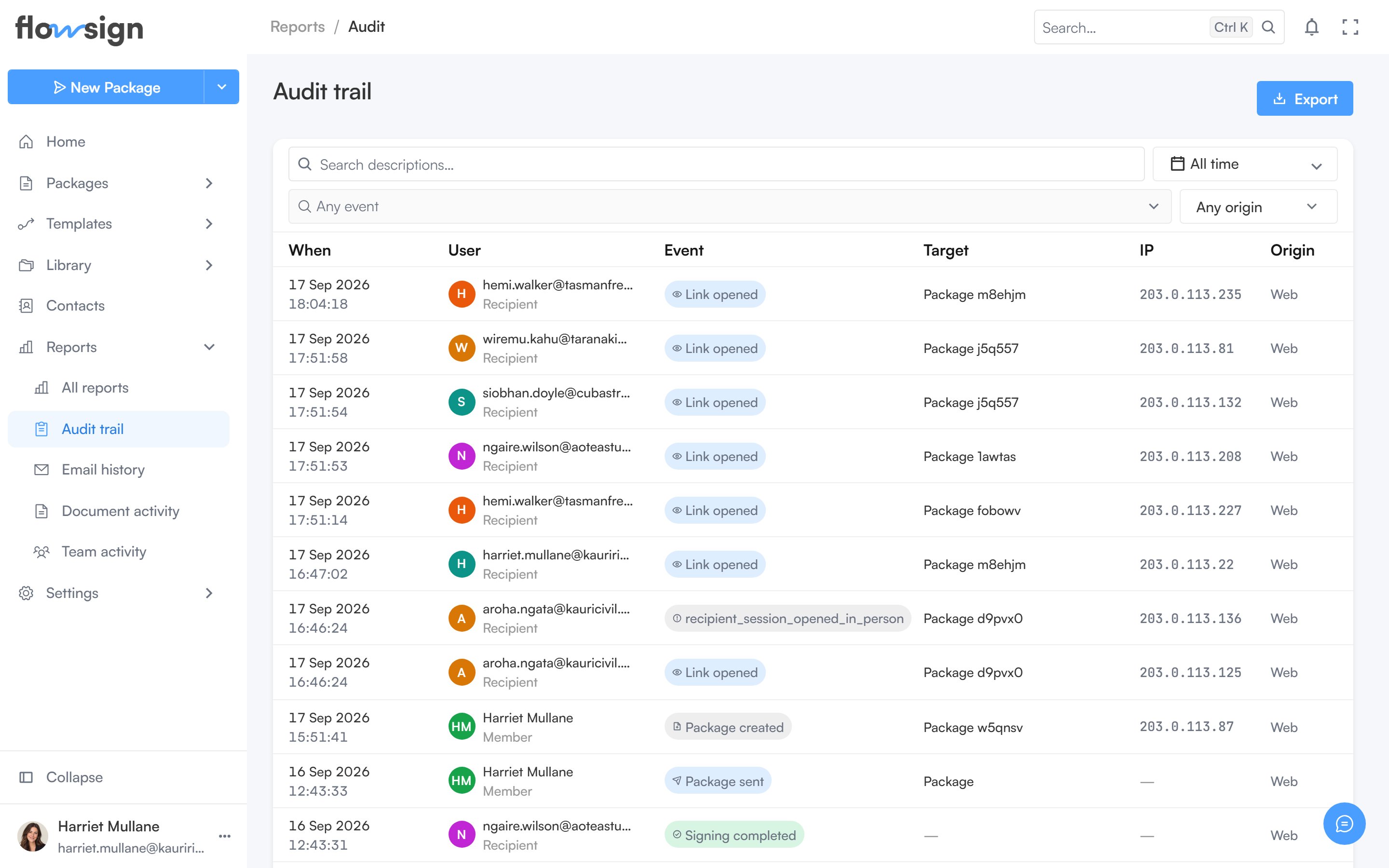
The audit trail, one row per recorded event.
Toolbar
Filters narrow the events by date, actor and other facets; an export menu downloads the current filtered results.Table
Each row is one event. Clicking a row opens a detail panel with its full context. Pagination controls sit under the table.Empty states
- No filters, nothing recorded: Nothing recorded yet: “Events appear here as members work and recipients open, sign or decline documents.”
- Filters active but nothing matches: No events match these filters: “Widen the date range, or clear a filter to see more.”