

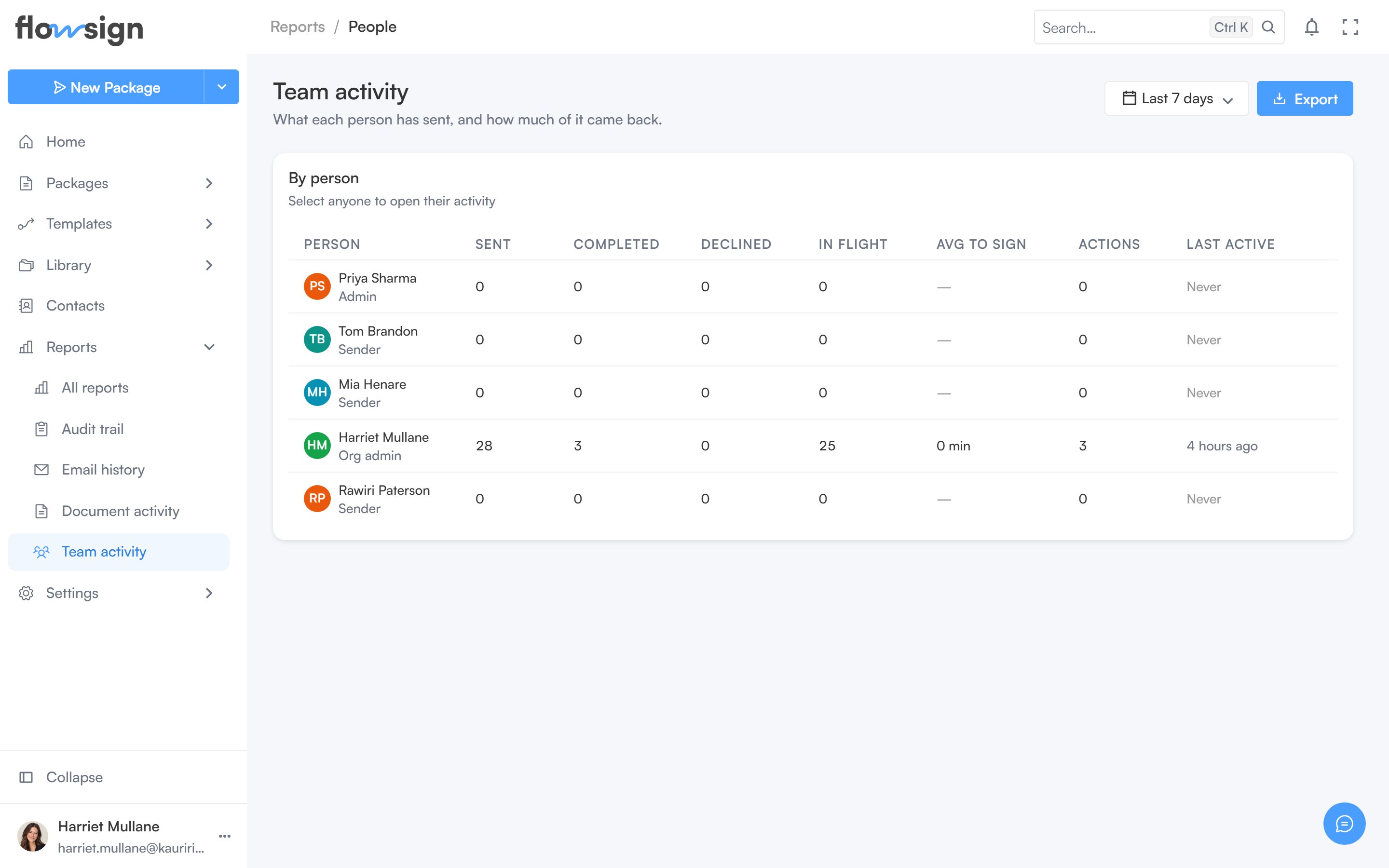
Team activity, one row per member.
canViewMembers), you see only your own row, with a note: “You’re seeing your own row only” and an explanation that seeing the rest of the organisation needs that permission.
Per-member volume and outcomes, with a drill-in to any one person’s activity.
Team activity, one row per member.
canViewMembers), you see only your own row, with a note: “You’re seeing your own row only” and an explanation that seeing the rest of the organisation needs that permission.