

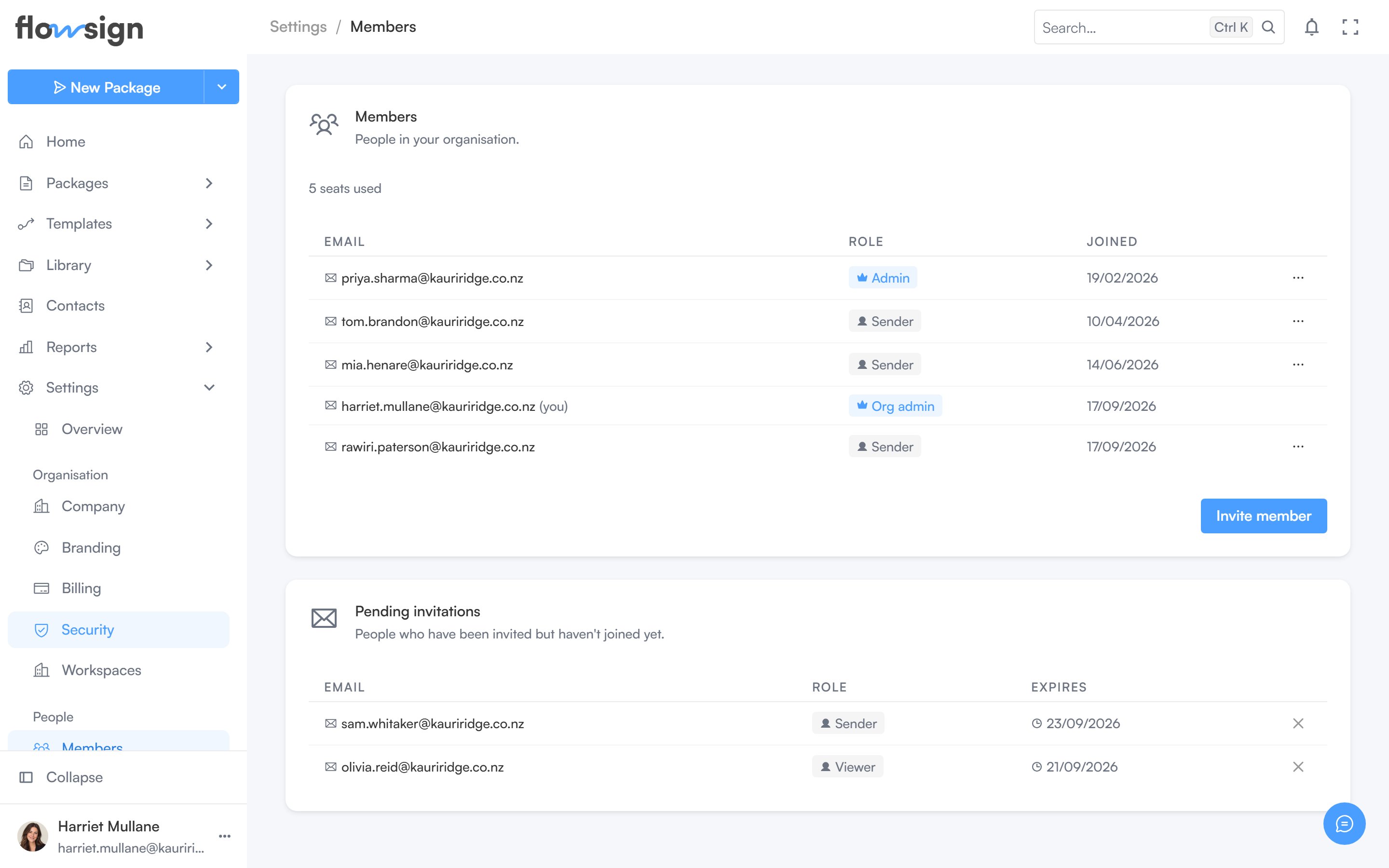
The members table, with each person's role and workspaces.
Members
A seat count sits above the table. Invite member opens a dialog to set an Email address, a Workspace and a Permission profile; it is disabled at your plan’s seat limit. Requires permission to invite (canManageMembers-gated actions in general).
The table lists Email, Role (permission profile, with an admin badge for organisation admins) and Joined. Managers can, per member: make or revoke organisation admin, and remove the member. You can’t act on your own row.