

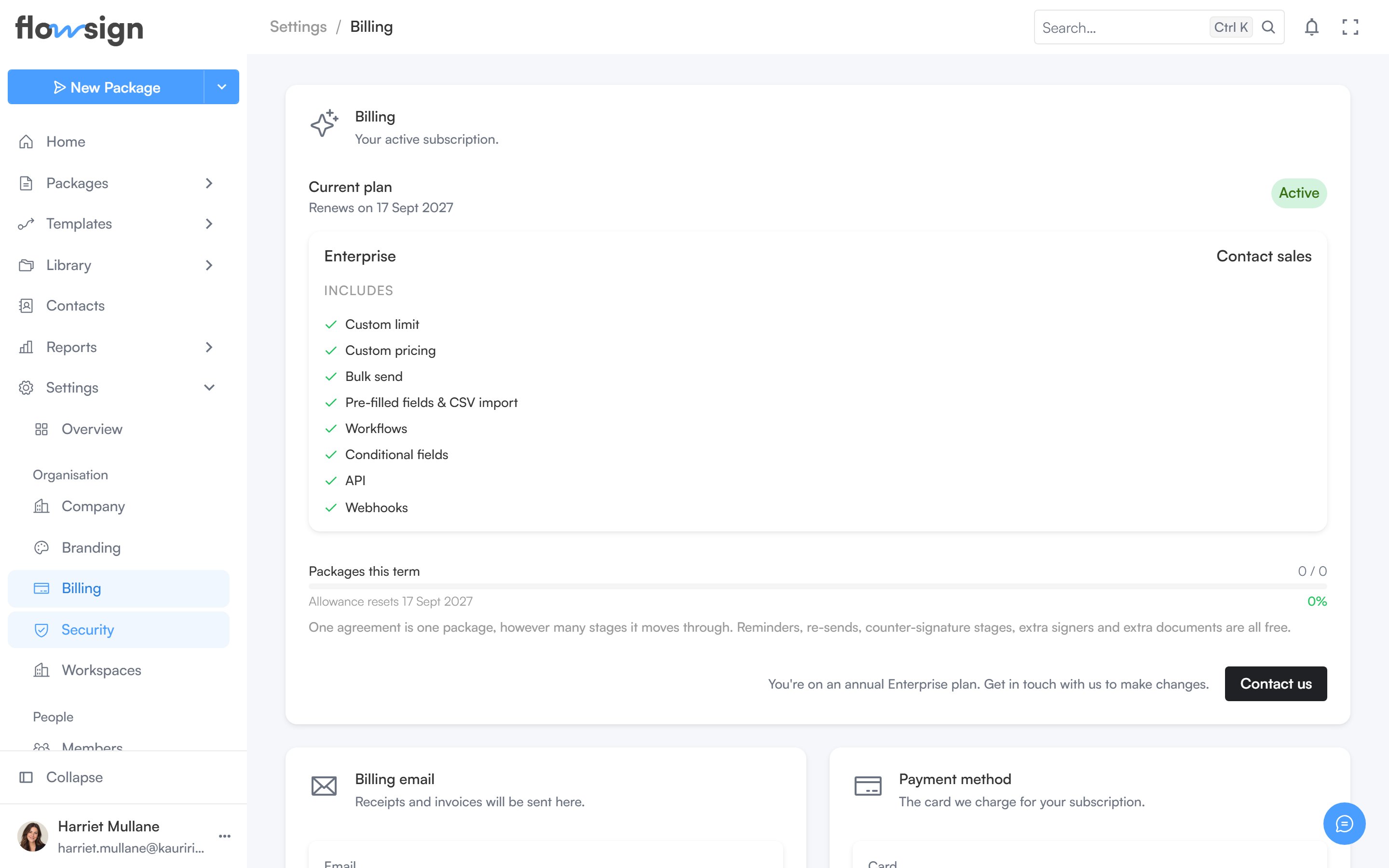
Billing, with the current plan and usage.
Billing
Your current plan is shown as a card (two cards if you have an upcoming or ended plan alongside it). Change plan opens the plan picker; Cancel subscription is offered on an active, non-cancelling subscription. Enterprise annual plans show Contact us instead of self-service changes. A usage meter shows packages used against your allowance (or, on pay-as-you-go, packages available). A note clarifies: one agreement is one package however many stages it moves through, and reminders, re-sends, counter-signature stages, extra signers and extra documents are all free.Billing email
Where receipts and invoices are sent. Change opens an editable field; Save or Cancel to leave it.Payment method or invoice billing
If you’re on invoice billing, this section shows your purchase order number and billing email instead of a card. Otherwise it shows your payment method on file. Eligible accounts see a Request invoice billing offer to switch to 30-day terms.Invoices and Manage account
- Invoices: View invoices opens the full invoice list, with line items and downloadable PDFs for each.
- Manage account: Manage in Stripe opens Stripe’s customer portal for tax IDs, disputes and anything not covered above.