

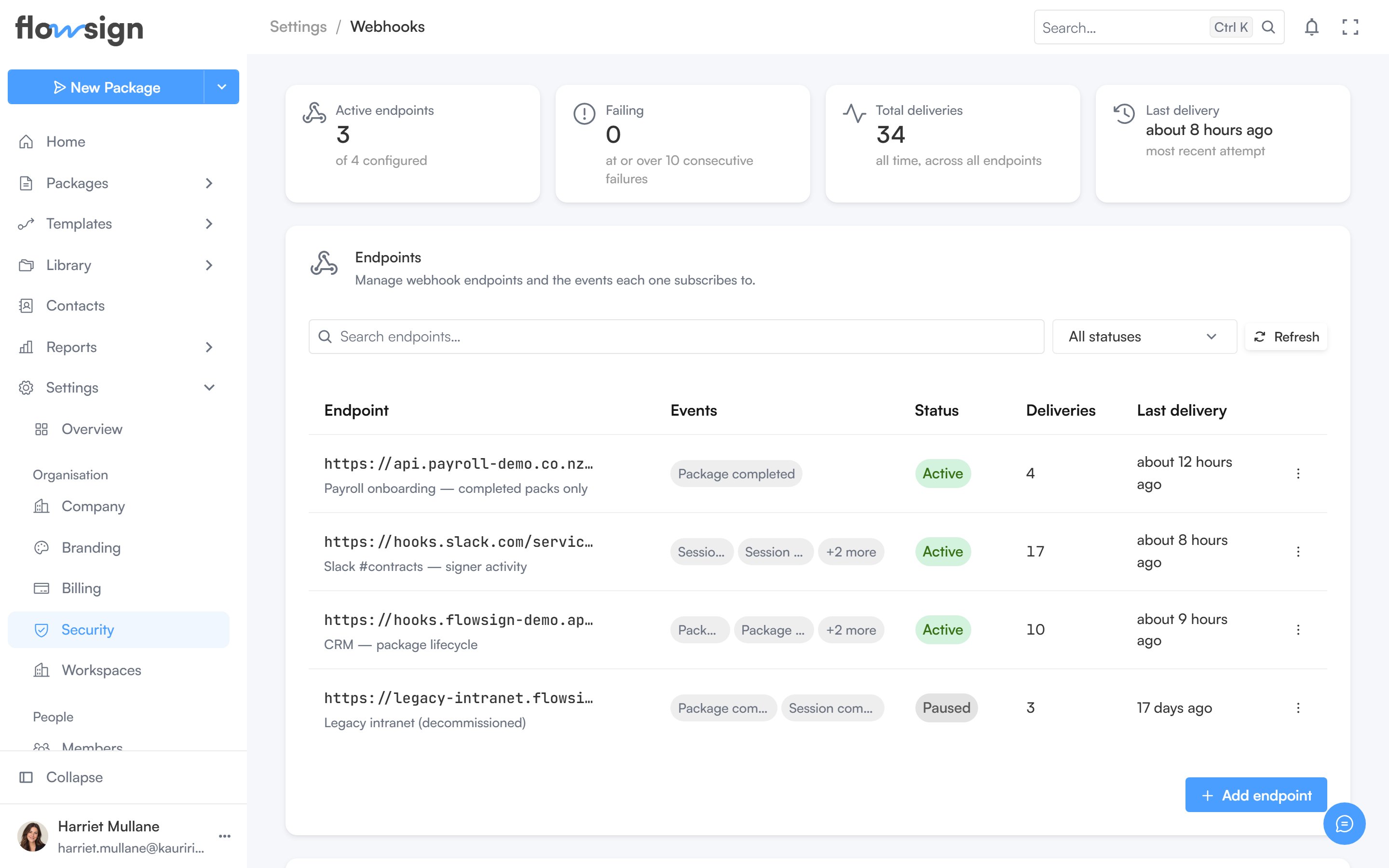
The webhooks settings page: delivery stats above the endpoints table.
Stats
Four cards summarise your endpoints: Active endpoints, Failing (endpoints at or over the failure cutoff), Total deliveries (all time, across all endpoints) and Last delivery.Endpoints
Add endpoint creates a new webhook endpoint with a URL and the events it subscribes to (see Events). Search and a status filter (All statuses, Active, Paused, Failing) narrow the table. Per endpoint you can view its recent deliveries, edit it, pause or resume it, and delete it.Resuming a failing endpoint resets its failure count and deliveries resume.