

customBranding gate. On a plan without it, the section shows a locked upsell instead.
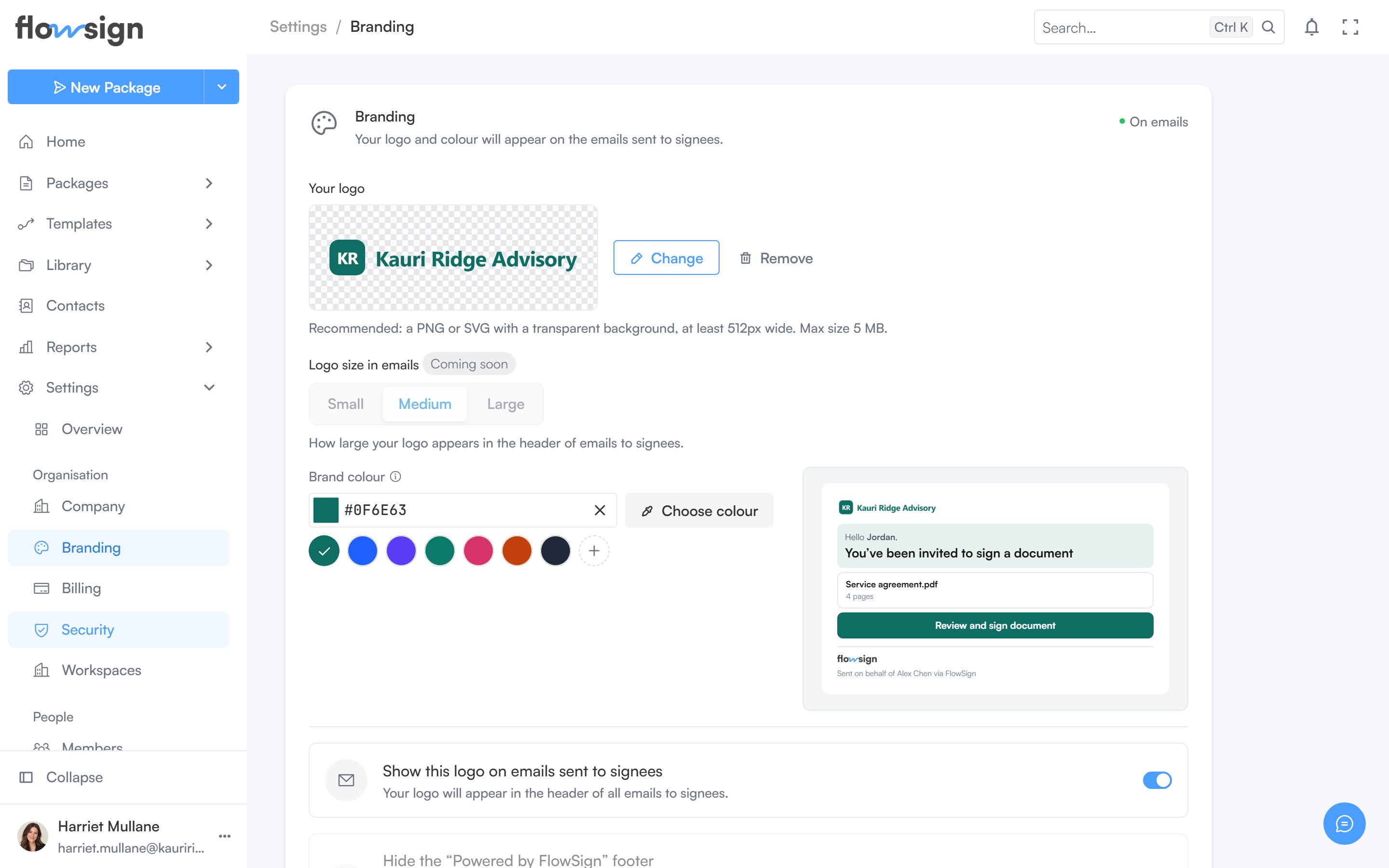
Branding, where the logo and brand colour are set.
Your logo
Upload a logo (PNG or SVG with a transparent background recommended, at a minimum width and a maximum file size the page states). Uploading, replacing and removing are all done from the same control.Logo size in emails is marked Coming soon and is currently fixed.
Brand colour
Pick a colour that colours the header panel and button on signing invitations. Leave it blank to use the FlowSign blue. A mini preview shows the effect live; Save colour commits it.Email options
- Show this logo on emails sent to signees: on once a logo is uploaded.
- Hide the “Powered by FlowSign” footer: marked Coming soon, currently disabled.