

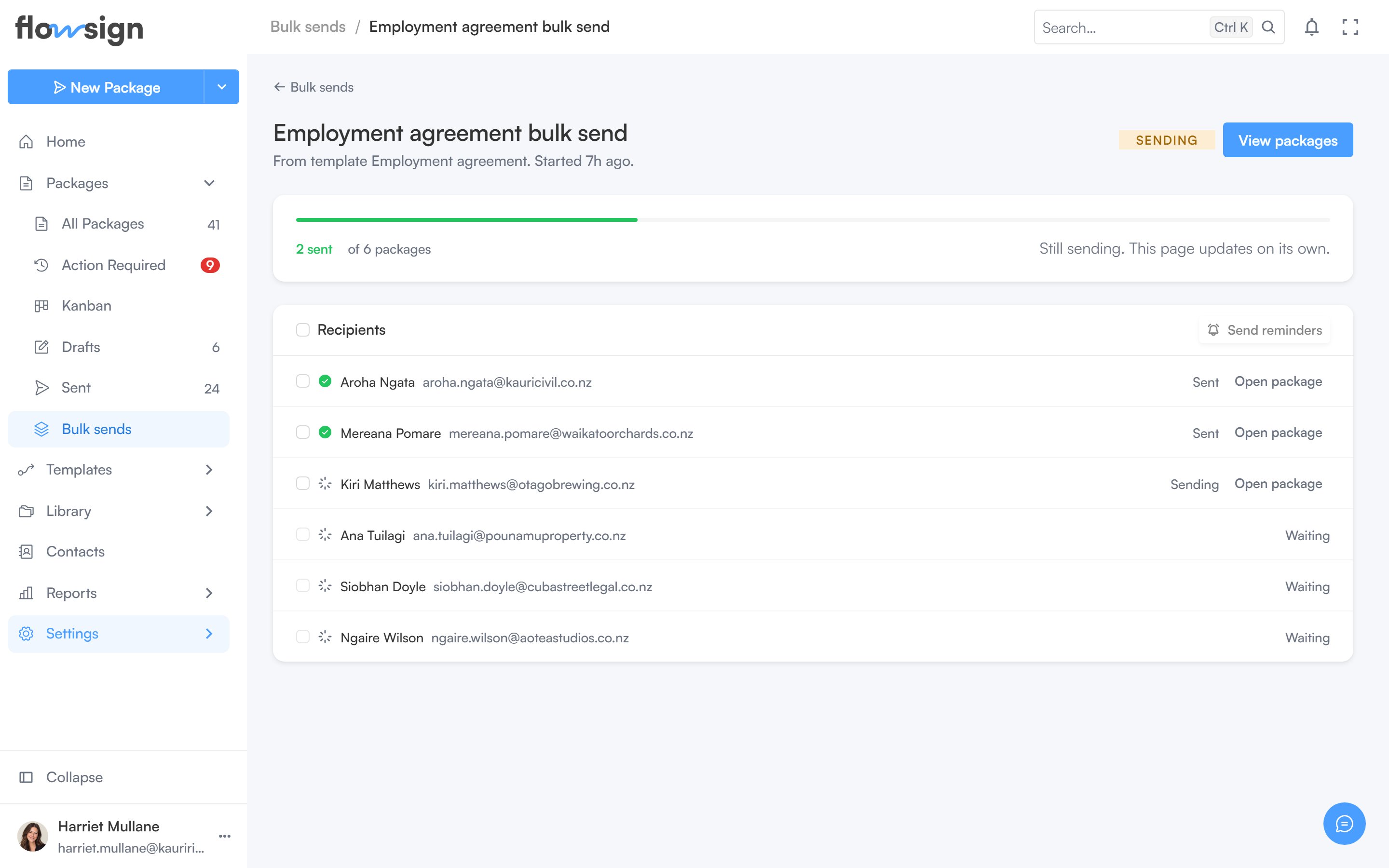
Opening a sent batch from Bulk sends shows its detail page.
A bulk send detail page listing the recipients in the batch

A bulk send, with one row per recipient in the batch.

Bulk send requires a plan with the bulkSend gate (Enterprise). On a plan without it, sending is blocked. The title is the batch’s name, with its source (“From template <name>”) and start time. Actions include a status tag, Sign in person (when eligible) and View packages, which opens Packages filtered to this batch.

Progress

A meter shows packages sent against the total, with a failed count if any. While the batch is still sending, a note says Still sending. This page updates on its own.

Recipients

A list of every row in the batch and its outcome.