

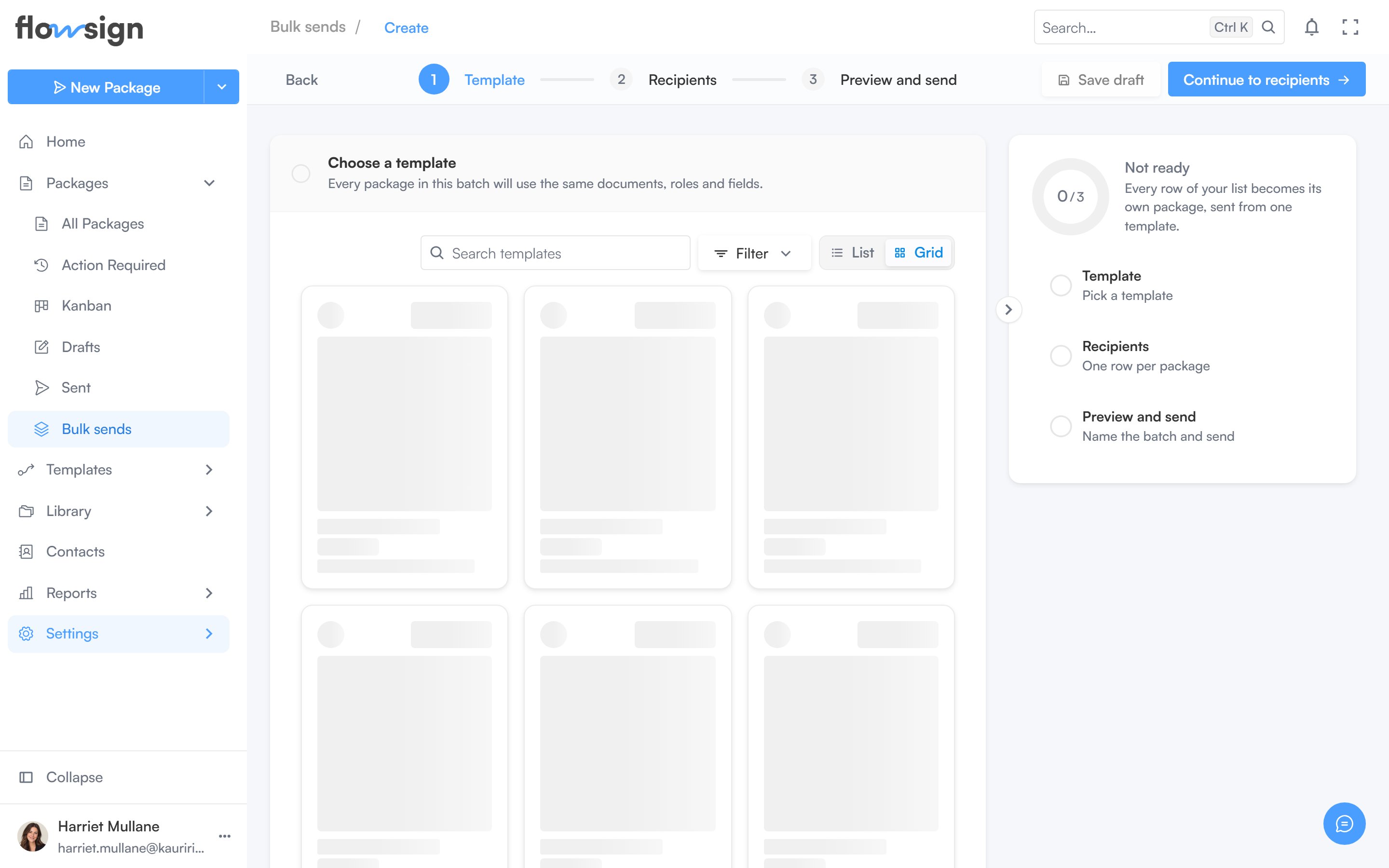
The first step of the bulk send creator.
bulkSend gate (Enterprise). On a plan without it, sending is blocked.
1
Template
Pick the template to send from. Changing template after adding rows asks to confirm, with an option to Keep the people I’ve added.
2
Recipients
Add or paste rows, one per package, and map each row’s columns to the template’s roles. If the template supports in-person signing, set the host here.
3
Preview and send
Name the batch, review a summary (Template, Documents, Roles, Packages to send), preview individual packages, then send.
Editing the source template opens it in a new tab; you can save your rows as a draft first so they’re not lost if you close that tab.