

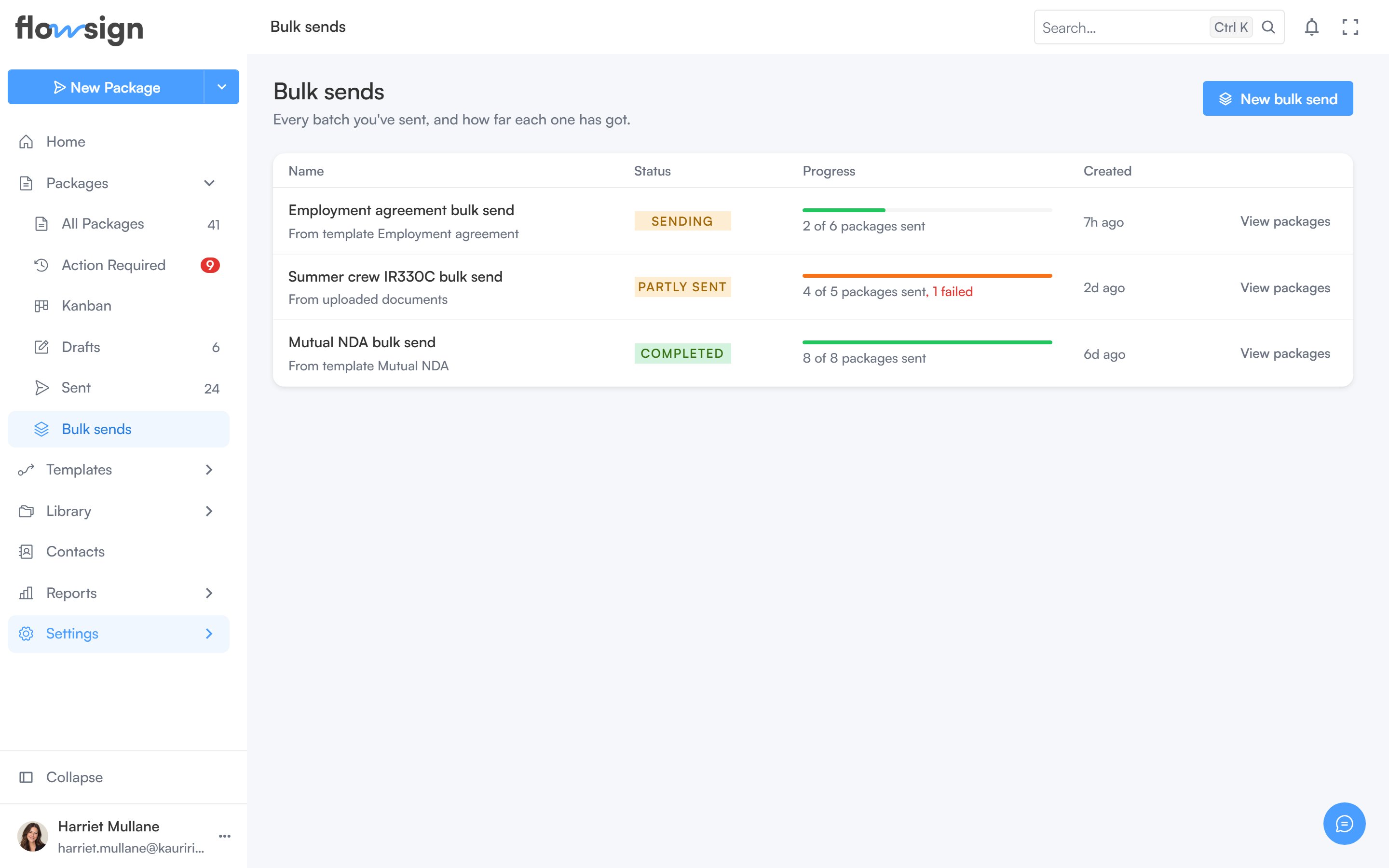
The bulk sends list, one row per batch.
bulkSend gate (Enterprise). On a plan without it, sending is blocked.
Header
New bulk send starts the bulk send creator.Table
Each row shows the batch Name (and whether it came From template<name>), a Status tag, a Progress meter (packages sent of total, with a failed count if any), and Created. A draft row’s action is Continue editing; a sent batch offers Sign in person (when eligible) and View packages, which opens Packages filtered to that batch.
Opening a sent batch’s name goes to its bulk send detail page; a draft opens back in the creator.
An empty list shows No bulk sends yet: “Send one package per row of a list, all from the same template.”