

/host/[token].
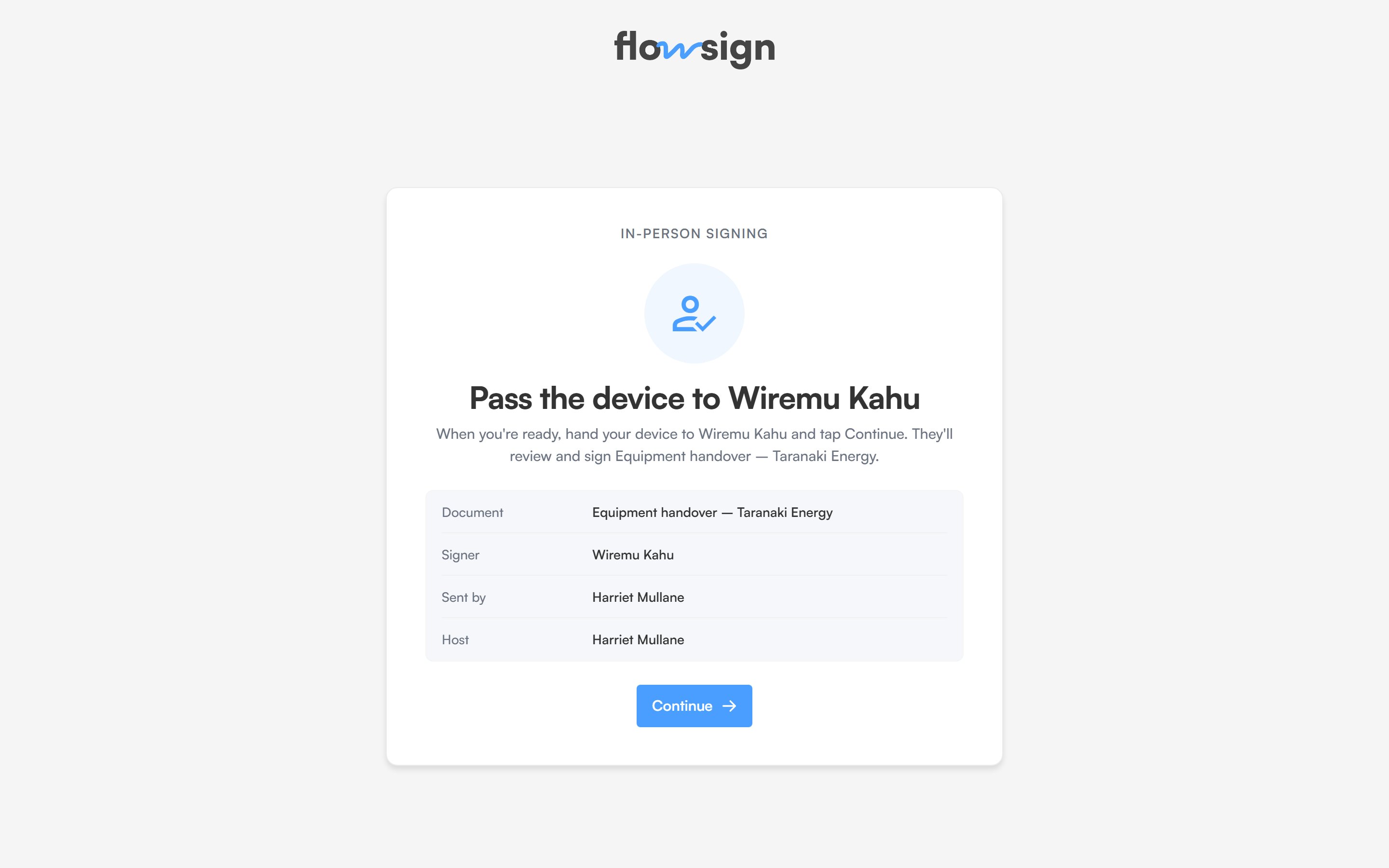
The in-person host screen, before the device is handed over.
1
Confirm the handoff
The host screen shows what’s about to happen: “Pass the device to
<recipient>”, with the Document, Signer, Sent by and Host named. Continue moves to the welcome screen.2
Hand over the device
A welcome screen greets the recipient by name and names the document and sender. Start signing opens the ordinary signing flow, under the recipient’s own session, so documents, fields, consent and the audit trail all behave exactly as they would from an emailed link.
For a bulk send, hosting works the same way per recipient, reachable from the bulk send’s Sign in person action.