

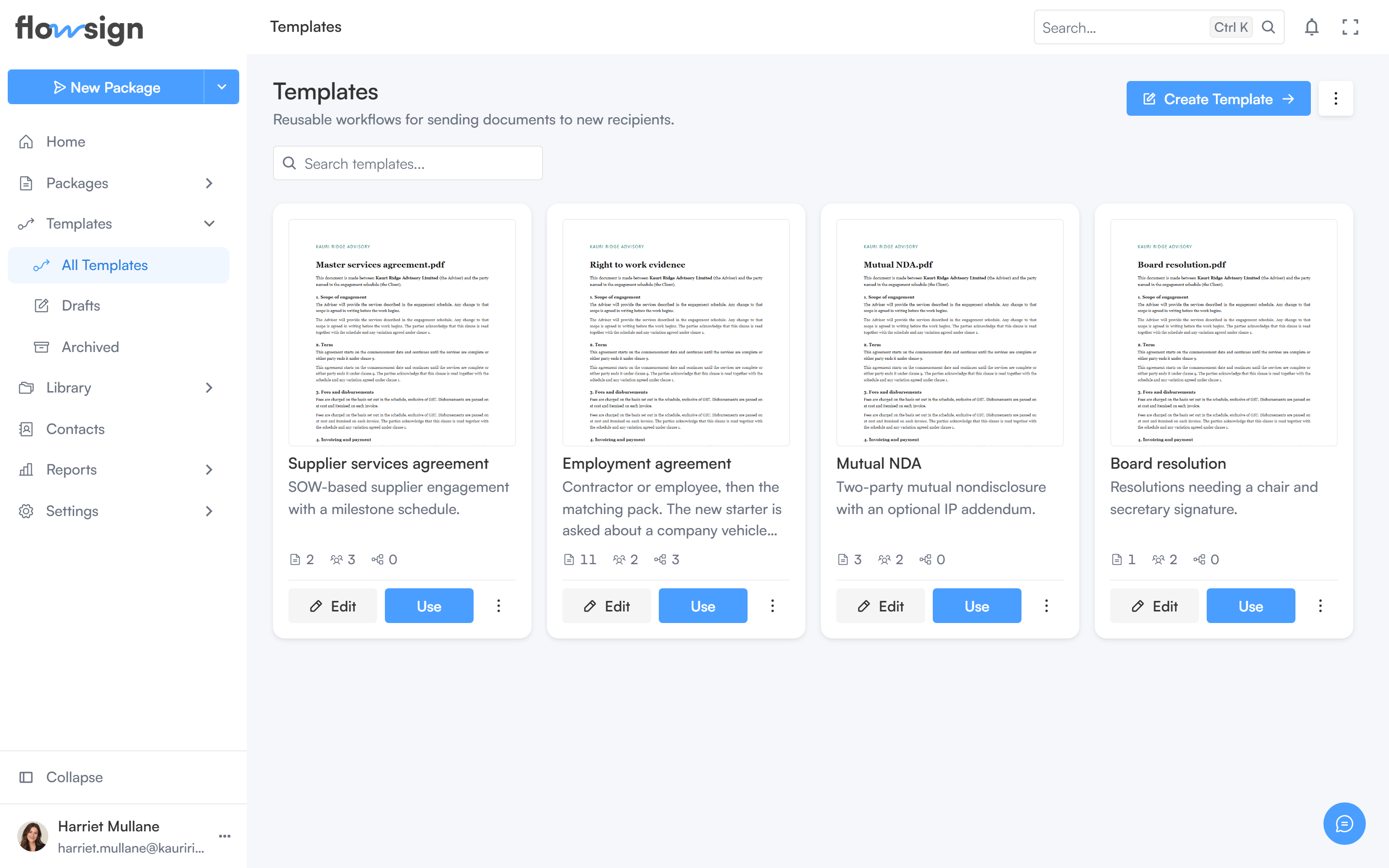
The templates list, with each template's status and access.
Header
Create Template opens the template builder (hidden while viewing Archived). A view menu switches between Grid and List.Toolbar
A search box, placeholder Search templates…. The sidebar’s Templates panel also filters by status: All Templates, Drafts (?status=DRAFT) and Archived (?status=ARCHIVED).
List
Each template card or row shows its name, status and available actions: edit, Use (start a package or bulk send from it), duplicate and delete. Deleting a template does not affect packages already sent from it.A Package vs Template comparison (reachable from the packages empty state, or
/templates?showTypes=1) explains when to use each entry point.