

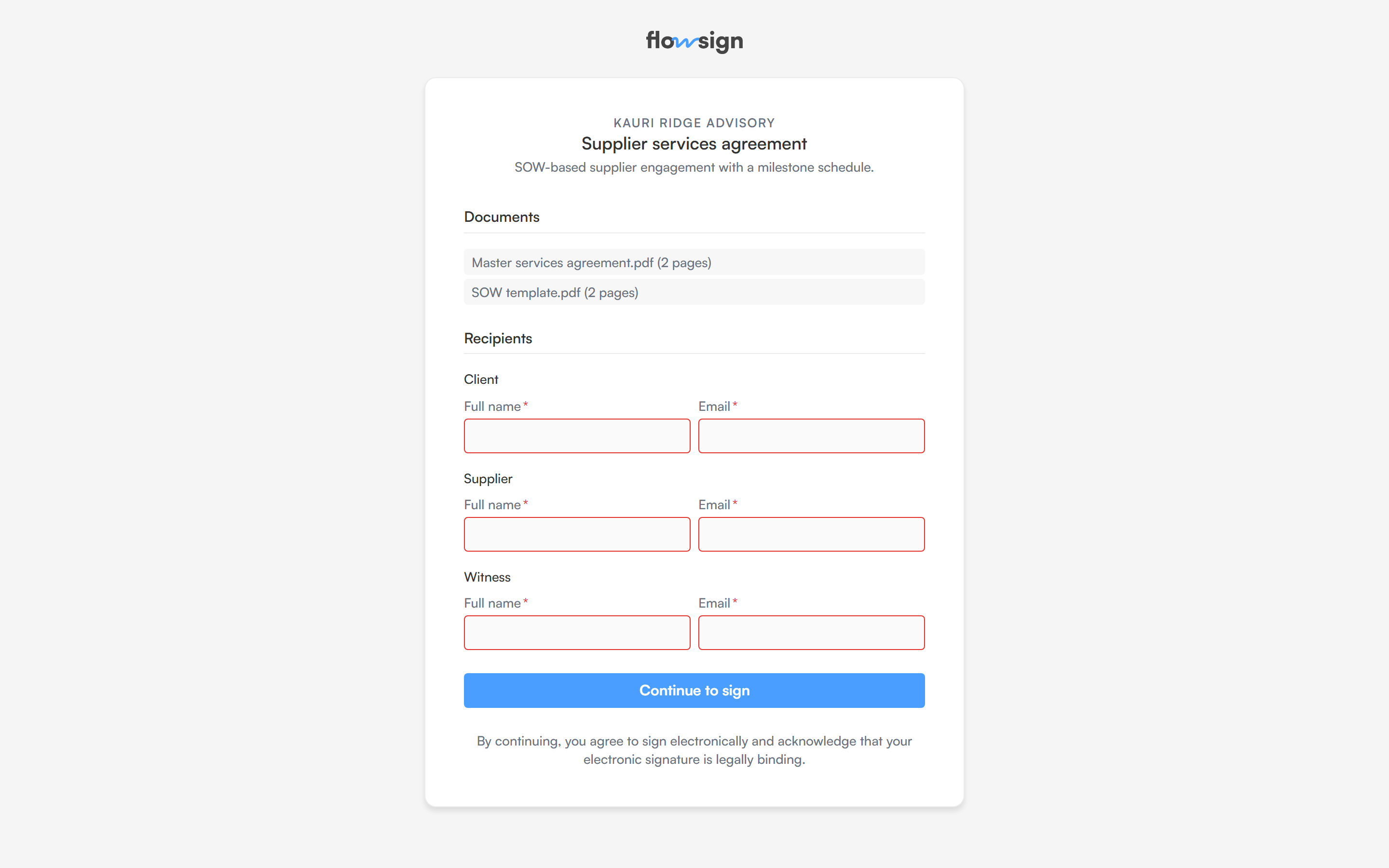
A PowerForm as a recipient sees it, with one block per signing role.
selfServeSigningLinks gate (Business). On a plan without it, the PowerForm section shows an upgrade prompt instead of the toggle.
Turn it on from the template’s PowerForm section:
- Enable the public link.
- Optionally set a submission limit, capping how many packages the link can start.
<n> submissions, matching the cap you set. Sharing the link is done from the template builder.