

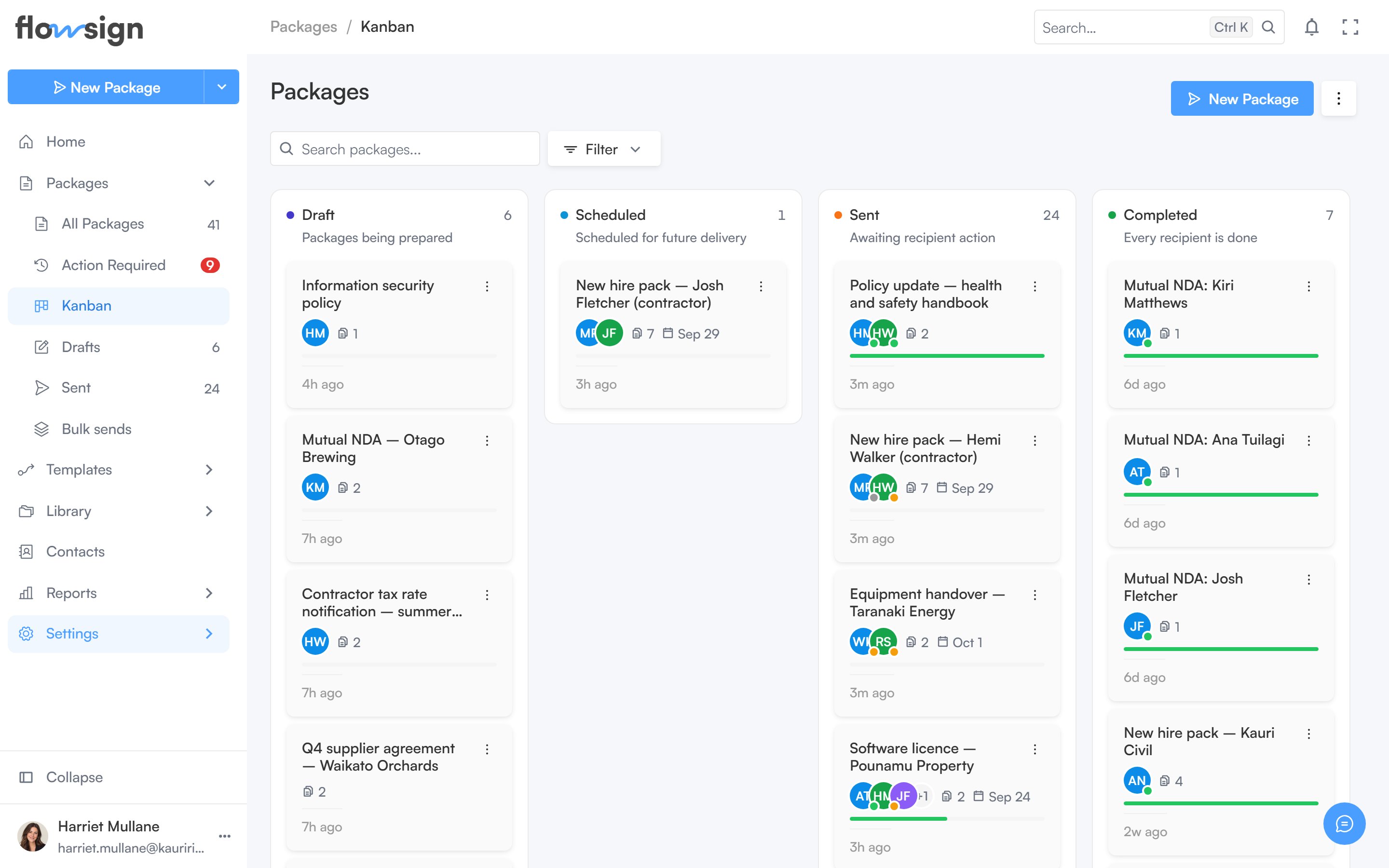
The board view, one column per package status.
Header
New Package starts a new package (hidden withoutcanSendPackages). The view menu switches back to List. If your role has canViewAllPackages, a shared-access control switches between your packages and everyone’s.
Toolbar
- A search box, placeholder Search packages….
- A Sort control: Last activity, Recently created, Due date (soonest) or Name (A-Z).
- A Created date range filter.
- A Lanes menu to choose which status lanes are visible, with a reset to defaults.